Panopto Personal Capture is a tool that you can use to record lecture videos, narrate voice-over-presentations, and capture screencasts from your laptop. The videos are automatically shared through the VLE with your students.
You can access Panopto and download the personal capture tool from the VLE, or use Panopto Capture directly from your browser (no download required).
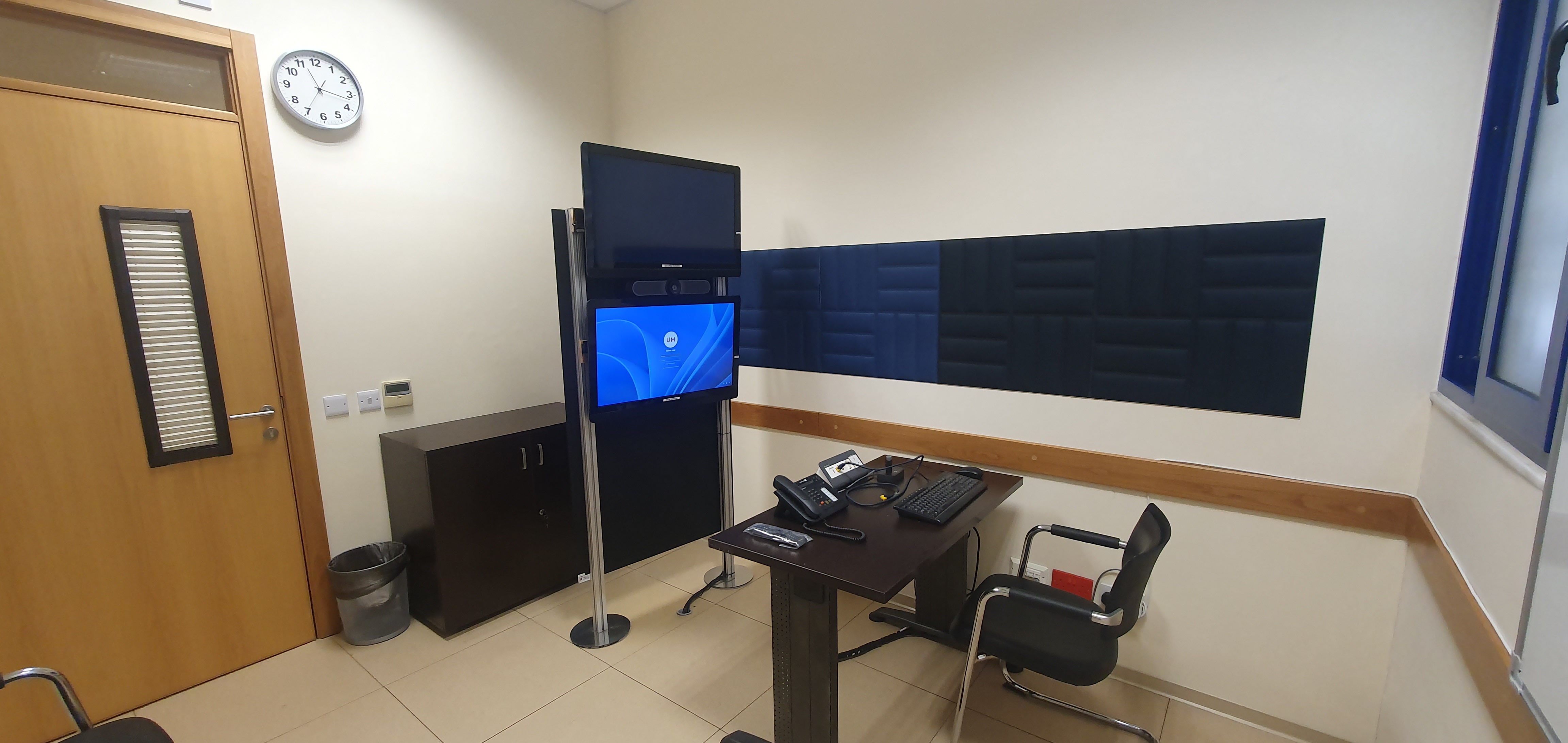
A prototype setup for personal capture is available in a dedicated room located within the IT Services Building (Room 023). This room is equipped with regular learning space amenities to facilitate higher-quality recordings and includes:
Like a normal learning space, should you wish, you can plug in your own laptop using the provided HDMI cable to capture your screen, including PowerPoint presentations. Please note that you must log in on the dedicated workstation available in the room to initiate the Panopto recording.
The desk is equipped with:
Instructions for operating the equipment are available in the room.